Diadoku is an iOS puzzle game that replaces Sudoku’s numbers with colored jewels, turning familiar logical deduction into a more visual mobile experience. It has progressed from an initial concept through design and implementation and is now available on the App Store, where it keeps getting regular updates.
Projects
Projects I’m Building
A selection of mobile products, games and experiments I’ve taken from idea toward working software.
Shipped
Diadoku
A jewel-based iOS logic puzzle that reimagines Sudoku through color and visual deduction.
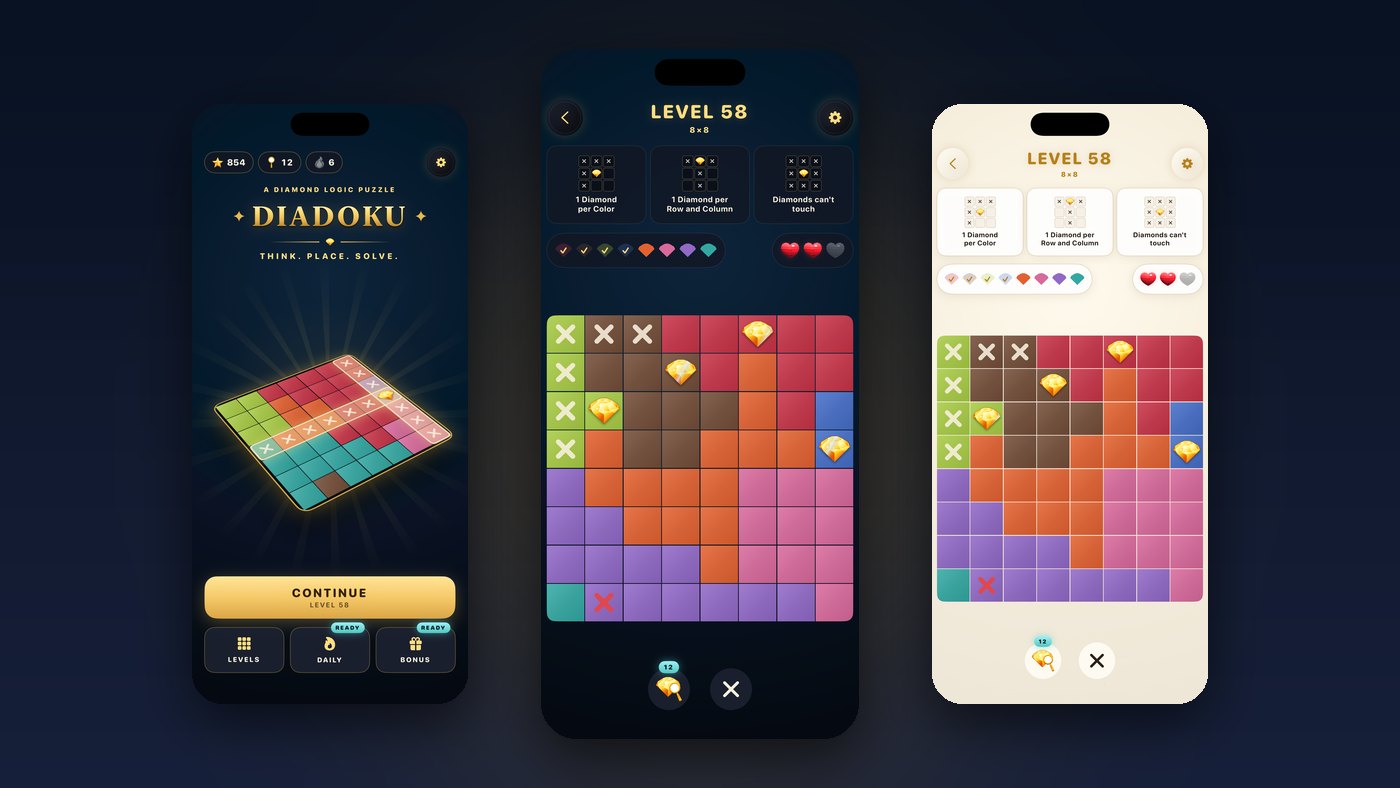
The story behind Diadoku
Overview
The idea
Diadoku takes the logic of Sudoku and swaps the numbers for colored jewels. Instead of reading digits, the player works with colored gem symbols — placing them correctly, ruling options out through logical elimination, and using visual markers for possible and excluded solutions.
The goal is a puzzle that feels visual and approachable on a phone, with clear feedback for correct placements, wrong ones and excluded possibilities.
My role
I designed and developed Diadoku from the original game concept through UI iteration, implementation and App Store submission preparation — owning the product direction as well as the iOS build. The custom visual assets were developed with AI assistance alongside my own direction and selection.
AI-assisted development
AI-assisted tools supported the development process — implementation support, iteration and debugging, UI ideation, and asset ideation and generation. Product decisions, integration, selection, iteration and quality control stayed with me.
Development process
- Core puzzle concept: Sudoku-style logic expressed through colored jewels
- Game rules and interaction design
- SwiftUI implementation
- Visual and UI iteration
- Testing and polish
- App Store preparation
- Released on the App Store
- Ongoing updates: a new look, more levels and daily play (versions 1.0.2 to 1.1.1)
What’s new
Since launch, Diadoku has grown through several App Store updates:
- A new look with shiny 3D gems, a home screen with a 3D board and high-contrast board colors that are easier to tell apart
- 600 levels, including 300 Master levels with a fresh board on every try
- Daily streaks with bonus hints, plus a daily reward
- An optional Light Mode, shareable result pictures and optional reminders
- An interactive practice level instead of a text tutorial, and German localization
Challenges
- Translating number-based Sudoku logic into a color-and-symbol system that remains easy to read at a glance
- Designing clear visual states for confirmed, possible and excluded placements on a small screen
- Taking the game from a working build through App Store preparation and submission
What I learned
- A familiar logic mechanic can support a new visual language, as long as the feedback remains unambiguous
- In a puzzle game, UI and interaction iteration matter just as much as the underlying implementation
- App Store preparation is a distinct stage of product development, not an afterthought
Current state
Diadoku is available on the App Store. The current version is 1.1.1, released in October 2026. Download Diadoku (opens in a new tab).
Screenshots
Inside Diadoku
Screens from the current version 1.1.1: from the 3D home screen and the color-based puzzle board to Master levels, daily streaks and Light Mode.
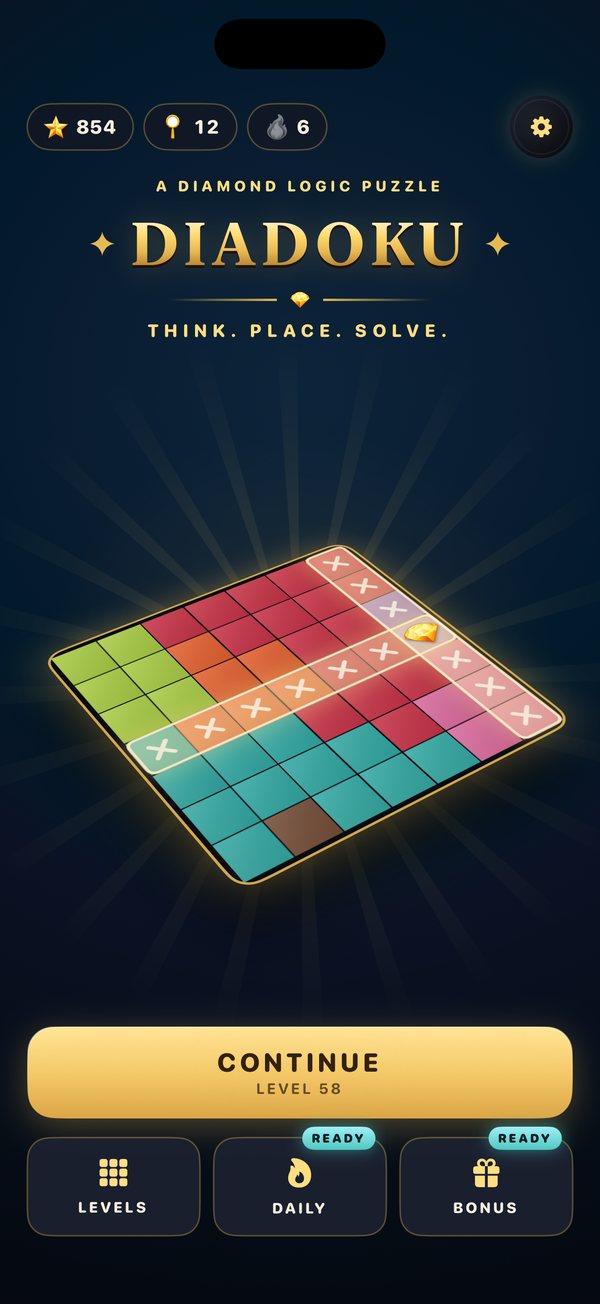
Home 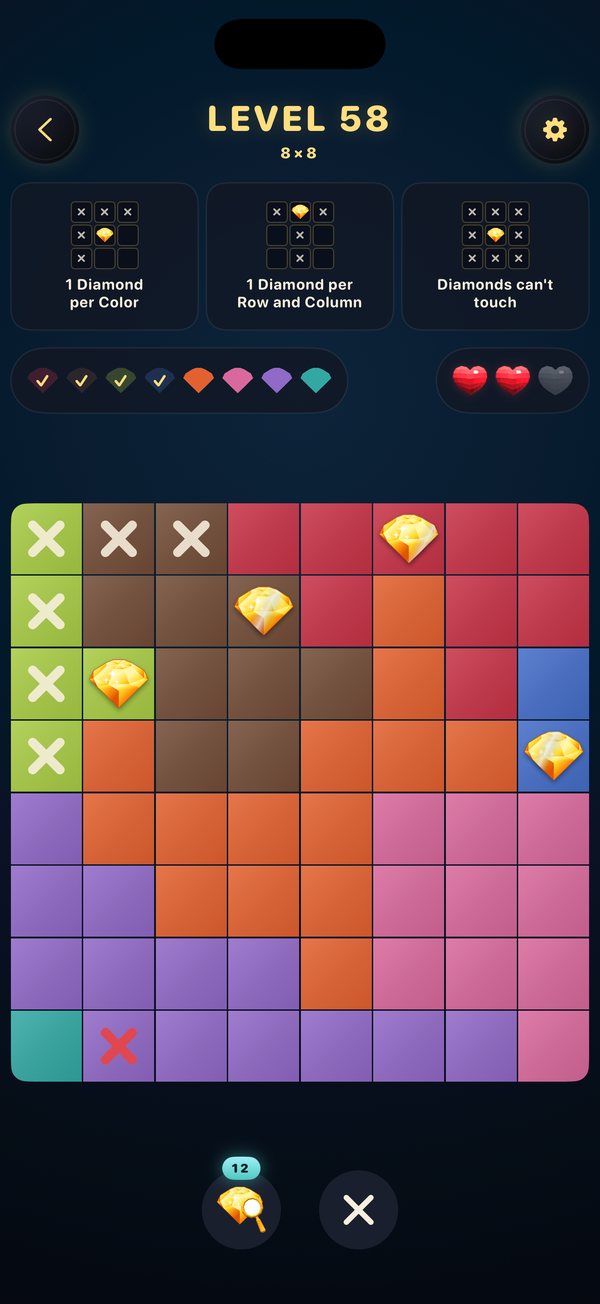
Gameplay 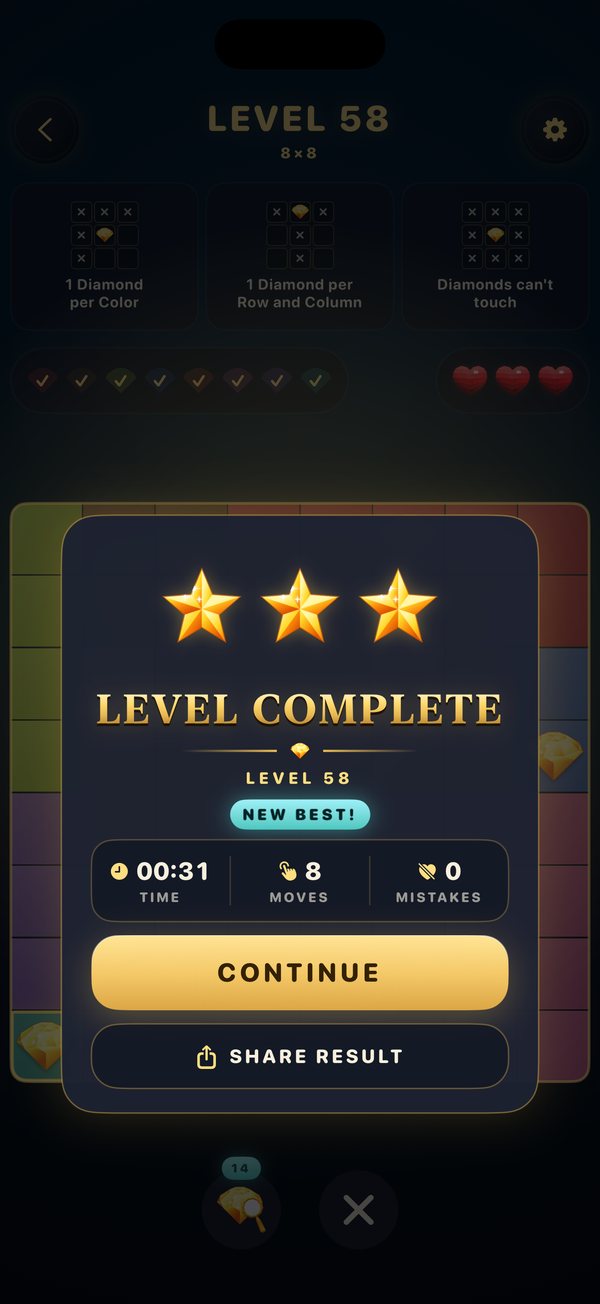
Level Complete 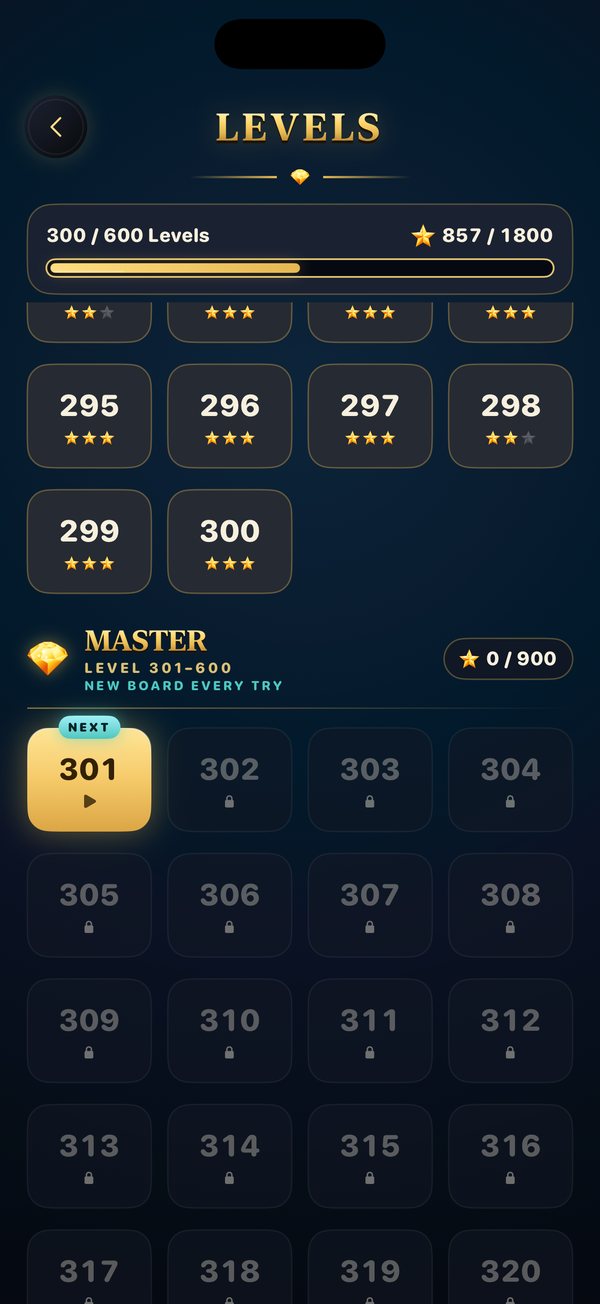
Master Levels 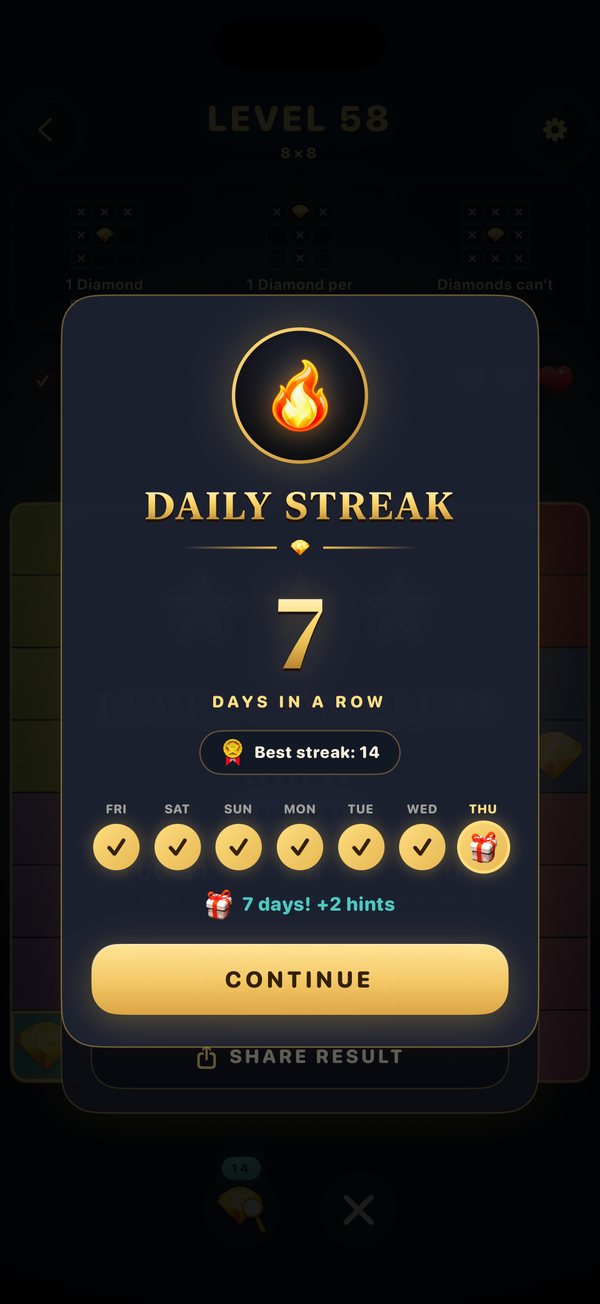
Daily Streak 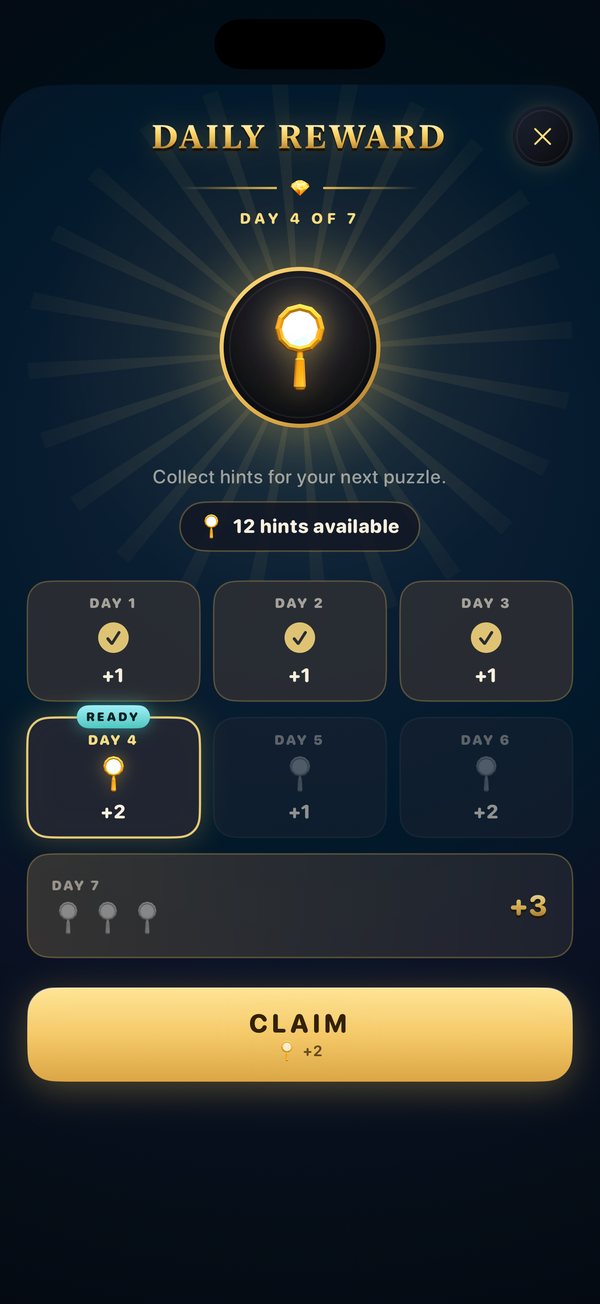
Daily Reward 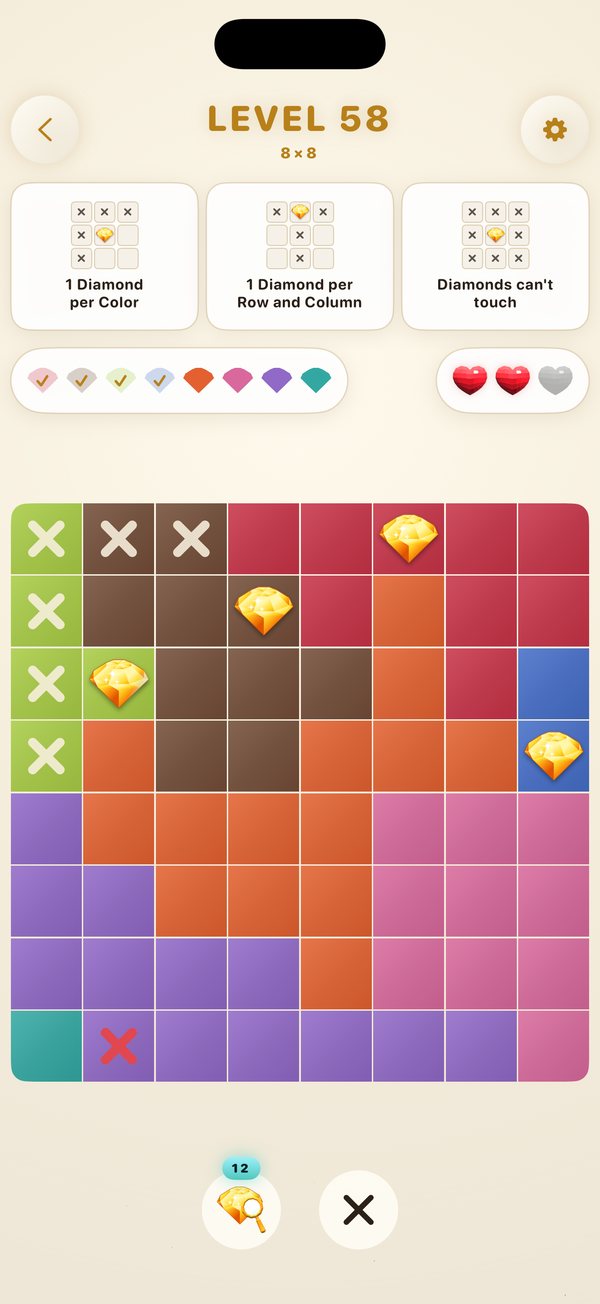
Light Mode
In progress
Dianima: Crystal Bonds
Dianima: Crystal Bonds is a creature-collection mobile game built around crystal creatures — progression, mining, resource systems and evolution — built for iOS with an AI-assisted development and asset workflow.
The idea is a collection game centered on crystal creatures across multiple families, where mining and resource systems feed into a progression and evolution loop — collecting, growing and evolving creatures over time, with summon mechanics bringing new ones into the collection.
Current state: In active development. The core creature, progression, mining and evolution systems are designed and being implemented in SwiftUI; the game is not yet released.
In progress · AI lead intake automation
LeadFlow AI
A practical workflow that turns a new lead into a validated, AI-qualified record and a reply draft ready for a person to review.
Overview
A webhook accepts inbound lead details, then validates and normalizes the fields. Valid submissions go to an AI step that creates a summary, category, priority, fit reason and suggested reply. The workflow appends the review-ready result to Google Sheets and returns it to the caller.
My role
I designed and built the n8n workflow, connected the OpenAI API and Google Sheets, added input validation and exercised the webhook with sample submissions.
How it works
- Receive a lead through an n8n webhook
- Validate and normalize the submitted fields
- Use AI to classify and qualify the inquiry and draft a reply
- Append the review payload to Google Sheets
- Return the result for human review
Human review
The workflow prepares a draft but does not send email automatically. A person reviews the qualification and decides what to do next.
Current state
The production webhook has returned successful responses in testing, and qualified lead records have been written to Google Sheets.